Use “Match Total Exposures” to save some time in Lightroom.
If you have a similar scene, you can select many images as I have shown here:
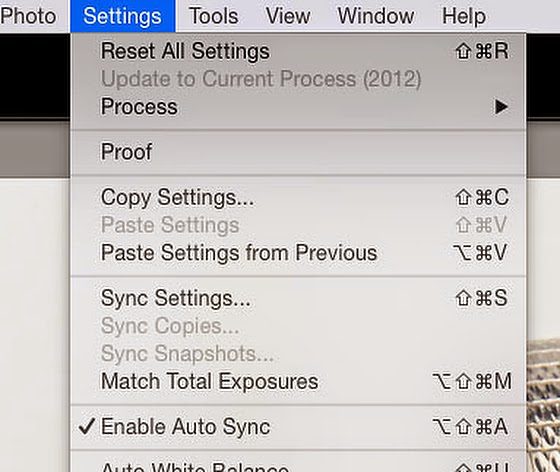
Then make all the corrections to the first photo like you would in all your “Auto Sync” situations, and then go to the Settings in Develop module and choose “Match Total Exposures.”
Match Total Exposures lets you quickly adjust the exposure of multiple photos to match a target photo. So now you can go back and select images and select them and choose your “target” photo and then apply the “Match Total Exposures,” You will save a lot of time that you used to adjust exposures.

Reading Time: 4 minutes Nikon D4, Sigma 120-300mm f/2.8 DG OS HSM, Sigma 2x EX DG APO Autofocus Teleconverter, ISO 1100, ƒ/5.6, 1/2000 If Ansel Adams had shot football games like many photographers, he would…
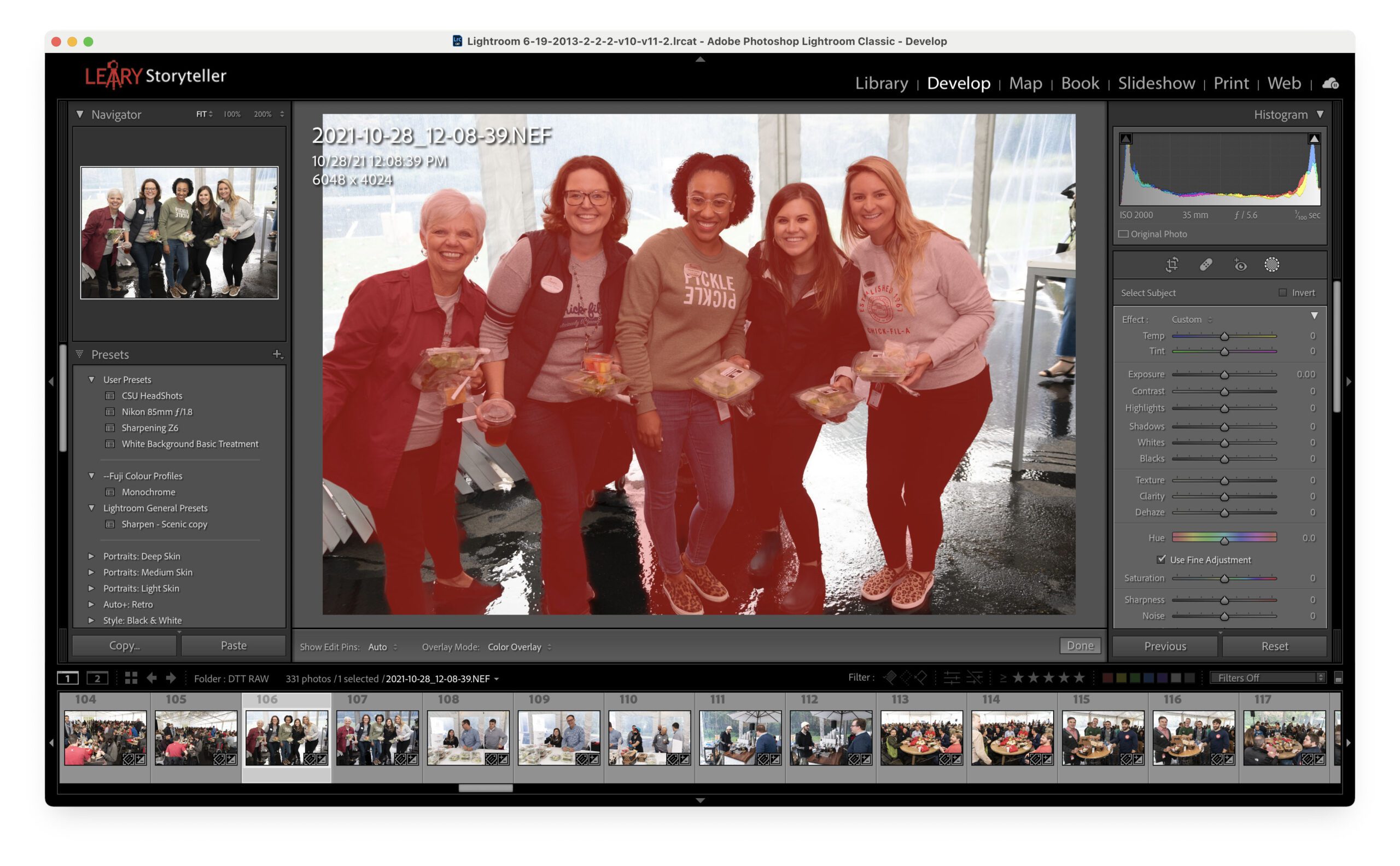
Reading Time: 2 minutesAdobe finally put some of the tools in PhotoShop into Lightroom Classic. One is Artificial Intelligence that will find your subject and mask it. As you can see above, I did that…
Reading Time: 5 minutesNikon D4, 70-200mm, ISO 11,400, ƒ/5, 1/500 Be Prepared Here are a few tips before you start shooting the performance. White Balance Pleasing skin tones are the number one thing that separates…
Cookie Consent
We use cookies to improve your experience on our site. By using our site, you consent to cookies.