|
Getting your Trinity Audio player ready...
|
Photo Mechanic Plus Is Discontinued. Here’s Why I’m Not Switching — Yet.
If you’ve built your workflow around Photo Mechanic Plus, you need to hear this: Camera Bits has pulled it from sale. The catalog feature at the heart of Photo Mechanic Plus depended on third-party technology that stopped playing nicely with modern operating systems, and after losing the engineer who built that part of the program, Camera Bits couldn’t get it stable again. The standard, non-catalog edition of Photo Mechanic is unaffected and still very much alive.
Here’s what that news doesn’t mean, at least not for me: I’m not moving off Photo Mechanic Plus. Camera Bits has been clear that existing licenses will keep getting support and will keep running as long as they’re stable on your operating system. My workflow — and the workflow I recommend to my corporate and editorial clients — is still built on it, and it’s still doing its job well.
What the news does mean is that it’s time to be proactive. Software gets discontinued. Operating systems move on. At some point, not today but someday, I’ll need an answer for what comes after Photo Mechanic Plus, both for my own archive and for clients who ask me what I recommend. So over the past week I put one of the leading alternatives, Excire Foto, through a real test on my own archive, just to see where it actually stands.
Testing Excire Foto
I put Excire Foto through its paces on my own archive, which lives on a NAS, purely to scout out the landscape.
The first ingest was a mess — my own fault. I pointed Excire Foto at years of accumulated files without thinking about what was actually in those folders, and it started chewing through close to 2 million images. A big chunk of that was RAW files sitting alongside lower-resolution JPEG exports I’d generated out of Lightroom over the years — duplicates in every sense that didn’t need to be cataloged twice.
I stopped the import, cleaned house, and started over. The second pass landed at just shy of 700,000 images — still a serious archive, but one that actually reflects what I need to find again, not every intermediate file Lightroom ever spit out.
One workflow lesson that applies to either program: don’t let the database itself live on the NAS. Both Photo Mechanic Plus and Excire Foto perform far better when their database sits on fast local storage — an external SSD is the sweet spot — while the database simply points back to your original image files on the NAS. If you put the database on the same network share as the images, you’ll feel every bit of that latency during import and search.
Photo Mechanic Plus vs. Excire Foto
| Photo Mechanic Plus | Excire Foto | |
| Core approach | Metadata-driven catalog and search | AI content-driven catalog and search |
| Search method | Structured queries across IPTC/EXIF/XMP fields (byline, caption, keywords, city, rating, and more — 60+ searchable fields with AND/OR/parenthetical logic) | Natural-language prompt search, visual similarity search, and metadata search, used on their own or combined |
| Speed | Very fast, even on huge catalogs | Very fast, even on huge catalogs |
| Database storage | Best kept on local/external SSD, pointing to originals on NAS | Best kept on local/external SSD, pointing to originals on NAS |
| Keywording | Manual, template-driven, or ingested from existing metadata | Automatic AI keywording applied on import, no manual tagging required |
| People/face recognition | Not built in | Built in — search by person, expression, and other facial attributes |
| Duplicate detection | Not built in | Built in — flags true duplicates and near-duplicates (e.g., burst frames) |
| Aesthetic/quality scoring | Not built in | Built in — AI aesthetic score and sharpness/eye-sharpness checks for culling |
| Built for | Photojournalists and working pros on deadline: fast ingest, renaming, captioning, and delivery | Photographers managing large, loosely organized archives who want AI to do the tagging |
| Editing capability | None — pure browser/cataloger, hands off to your editor of choice | None — pure browser/cataloger, hands off to your editor of choice |
| Captioning automation | Code Replacement, Metadata Templates, Variables, Autocomplete | None of these — relies on AI keywords instead |
| Ingest | Tethered capture and card-reader ingest with Live Ingest | Standard import from folders/drives |
| Delivery/upload | Native FTP/SFTP, built-in PhotoShelter uploader, wire-service delivery (e.g., ZUMA Press) | None — no built-in upload or delivery tools |
| Processing | Local | Local — no cloud upload, images never leave your machine |
What Excire Foto Does That Photo Mechanic Doesn’t
The AI is the whole story here. Excire Foto looks inside your photos, not just at the metadata attached to them. It applies keywords automatically as images come in, so you’re not stuck typing “wedding, bride, church, reception” a thousand times. You can type a plain-language search like “two people smiling outdoors,” and it will find the pictures, no keywords required. It recognizes faces and specific people across your library, flags duplicates and near-duplicate burst frames so you can clean house, and scores images for aesthetic quality and sharpness to help with culling. None of that exists in Photo Mechanic Plus.
Why Photo Mechanic Plus Still Earns Its Keep
Metadata search is only part of the story. Once I actually laid out everything Photo Mechanic does for me day to day, it became obvious that Excire Foto isn’t competing for the same job at all — Excire is a search-and-cull tool, and Photo Mechanic Plus is a full ingest-to-delivery workflow. Here’s what I’d be giving up if I walked away from it:
- Code Replacement. I can type a short delimited shortcut — say,
=mydate=or a player’s jersey number — into any IPTC field and have Photo Mechanic instantly expand it into the full name, caption line, or credit I’ve pre-loaded into a lookup file. On a shoot with dozens of repeating names (a team roster, a wedding party, a board of directors), this turns captioning from a bottleneck into something I barely think about. - Metadata (IPTC) Templates, aka the Stationery Pad. I build a template once — creator, copyright, contact info, job title, usage rights — and it gets applied automatically to every photo as it’s ingested from a card or tethered camera. Combined with Code Replacement and Variables, I can also drive automatic file renaming and sequential numbering at the moment of ingest, not as a separate cleanup step afterward. I use these templates for different clients like ZUMA Press, Associated Press, & Some Clients.
- Autocomplete captioning, pulled from my own word lists, existing IPTC field values, or variables, so repetitive caption language doesn’t have to be retyped shoot after shoot.
- Tethered capture and card-reader ingest, including Live Ingest, so images start getting captioned and organized the moment they hit the card — well before I’d ever get to a cataloging step in something like Excire Foto.
- Native uploading, built in — no plugin required. Photo Mechanic can send selected images straight to FTP or SFTP servers, and it has a direct, built-in PhotoShelter uploader where I can browse galleries, create new collections, and set visibility without leaving the program. That’s exactly how I deliver a take to my PhotoShelter archive.
- Wire-service delivery to ZUMA Press. My editorial submissions go out over FTP, captioned and IPTC-tagged to wire-service standards before they ever leave Photo Mechanic. That combination of precise metadata and a built-in transmission path is why Photo Mechanic became the standard in photojournalism newsrooms in the first place.
- Star ratings and color class tags that travel. The selects I make in Photo Mechanic are portable to Lightroom, Bridge, and other IPTC/XMP-aware software, so my culling decisions aren’t locked inside one program.
- Contact sheet and HTML/web export, for the times a client wants a simple, browsable proof set rather than a gallery link.
None of that lives in Excire Foto, because Excire isn’t trying to be an ingest-to-delivery tool — it’s trying to help you find things after the fact. Photo Mechanic Plus is doing real production work at the point of capture and at the point of delivery, and that’s a job description Excire Foto was never written for.
What Photo Mechanic’s Metadata Search Still Does That Excire Foto Doesn’t
Beyond the production workflow above, Photo Mechanic’s search itself lets you query every metadata field, not just a handful of AI-assigned tags. Byline, caption, city, country, copyright, credit, event, file type, rating, color class, even custom IPTC fields you’ve built into your own captioning templates — all of it is queryable, and you can chain conditions together (byline "smith" and rating=5 for example) the way you’d write a database query. If your workflow depends on precise, structured metadata that you or your team entered by hand — the kind that matters for wire services, archives, and licensing — that field-level search is hard to replace with AI tagging alone.
Where This Leaves Me
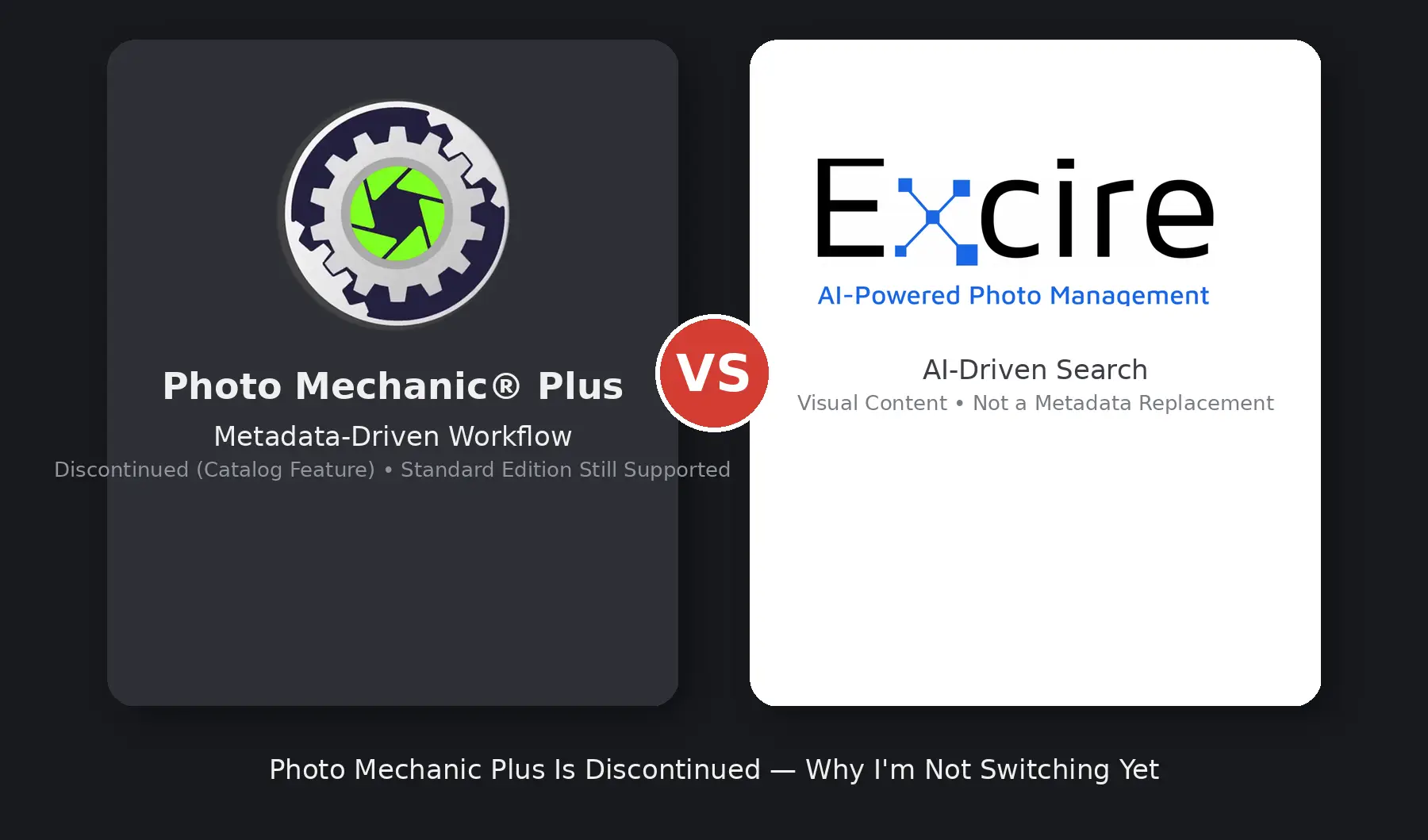
After spending real time with it, I don’t think of Excire Foto as a better version of Photo Mechanic — it’s a different tool built around a different idea. Excire is geared toward AI and visual search: content, faces, duplicates, aesthetic scores. It’s genuinely impressive at that. But Photo Mechanic Plus is geared toward content in the metadata sense—the precise, structured, field-by-field information I and my clients depend on for captioning, licensing, and archival accuracy. Excire’s AI keywords are a strong starting point, but they’re still a guess you have to verify. Photo Mechanic’s metadata is exact, because a person put it there on purpose.
So for now, I’m staying with Photo Mechanic Plus. Camera Bits is still supporting it; it still does what I need it to do, and nothing about Excire Foto’s approach makes it a drop-in replacement for the structured, deadline-driven, metadata-first workflow Photo Mechanic Plus was built for. I wanted to be ahead of this rather than scrambling later — for my own archive and for the clients who ask what I recommend — and now I have a real answer if Photo Mechanic Plus ever does stop running: it’s not Excire Foto, at least not as things stand today. I’ll keep watching this space and keep you posted on what I land on if and when the time comes to actually make a change.