|
Getting your Trinity Audio player ready...
|
Most people don’t realize how scattered their photos have become until they go looking for something specific—and can’t find it.
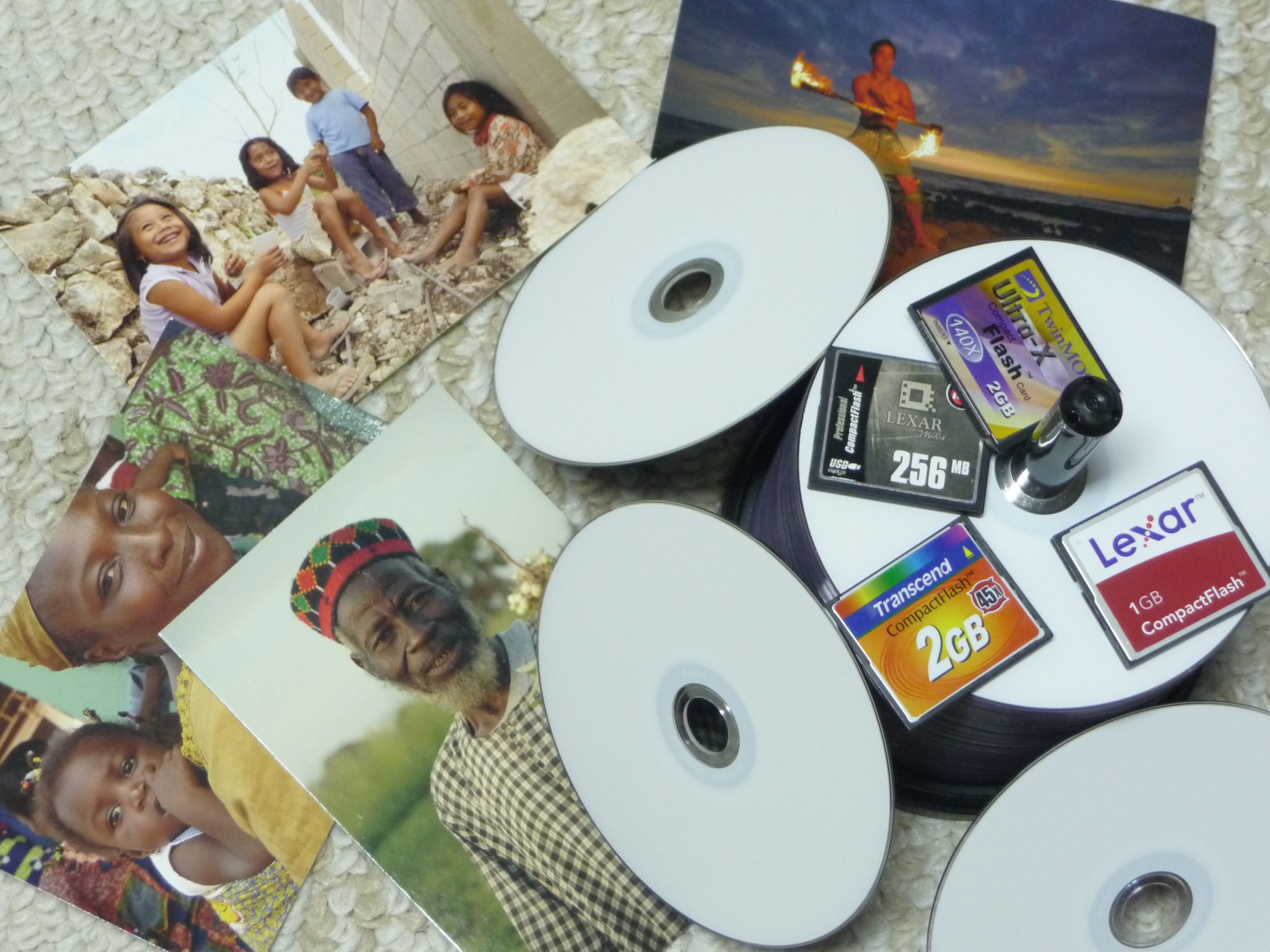
Maybe it’s a family moment buried on an old CD. A trip stored on a thumb drive in a drawer. A hard drive sitting on a shelf. Or images floating in a cloud account you haven’t touched in years.
Over time, photos end up duplicated across multiple formats and locations. That creates confusion, slows down your workflow, and increases the risk of losing access to important memories.
A more intentional system doesn’t just make things easier—it gives you confidence that your images are both preserved and accessible.
Why Organization Matters
Photos are more than files. They represent people, stories, milestones, and history.
Without a clear system:
- You waste time searching across devices
- You risk losing access to older storage formats
- You may forget where your “best” or final versions live
- You end up duplicating effort instead of building on what already exists
The goal isn’t perfection. The goal is findability and preservation.
The Approach I Use
Over time, I’ve built a system that balances accessibility, redundancy, and practicality. It’s not about chasing the newest tool—it’s about using a combination of platforms that serve different roles.
1. Centralizing Select Images in the Cloud
I’ve moved organized photo collections from CDs, DVDs, thumb drives, and older hard drives into an online platform like PhotoShelter.
This becomes a searchable, accessible library for finalized JPEG images—photos that already include embedded metadata such as captions, keywords, and other identifying information.
This step is about making your images easy to find and share, without digging through physical storage.
2. Maintaining a Local Archive on a NAS
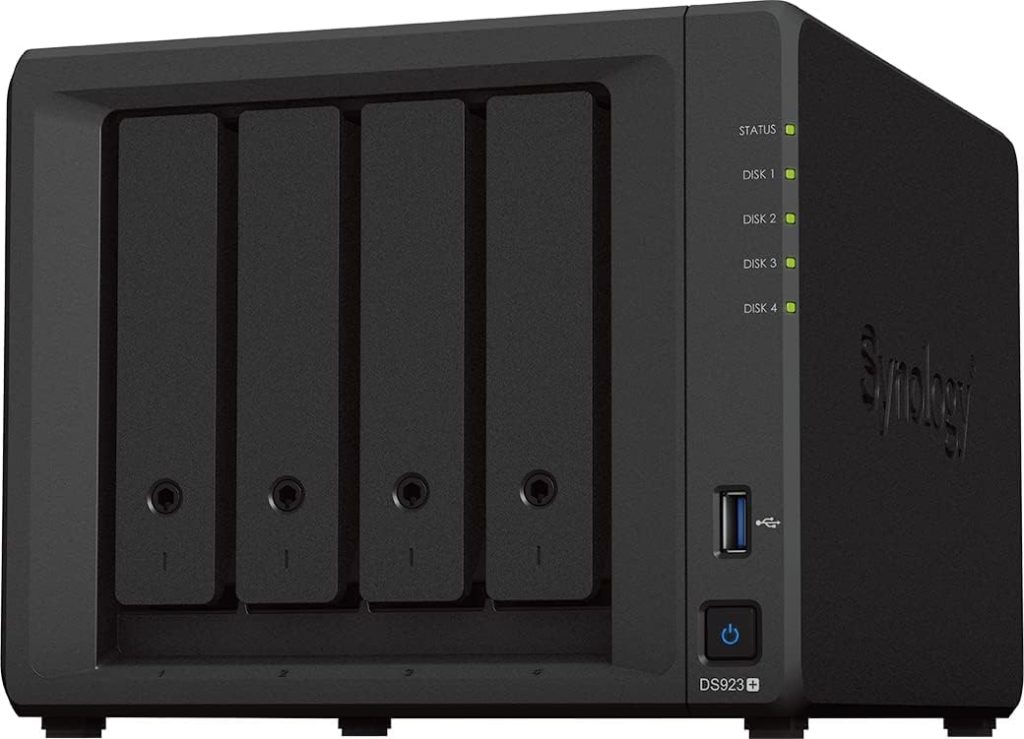
At the same time, I keep a Network Attached Storage (NAS) system as my primary archive.
This serves as my long-term, structured storage for:
- RAW files
- Master image files
- Complete photo libraries
A NAS allows for centralized access across devices while also supporting redundancy and backup strategies. It becomes the backbone of your personal or professional archive.
3. Using a Cataloging Tool for Search and Retrieval
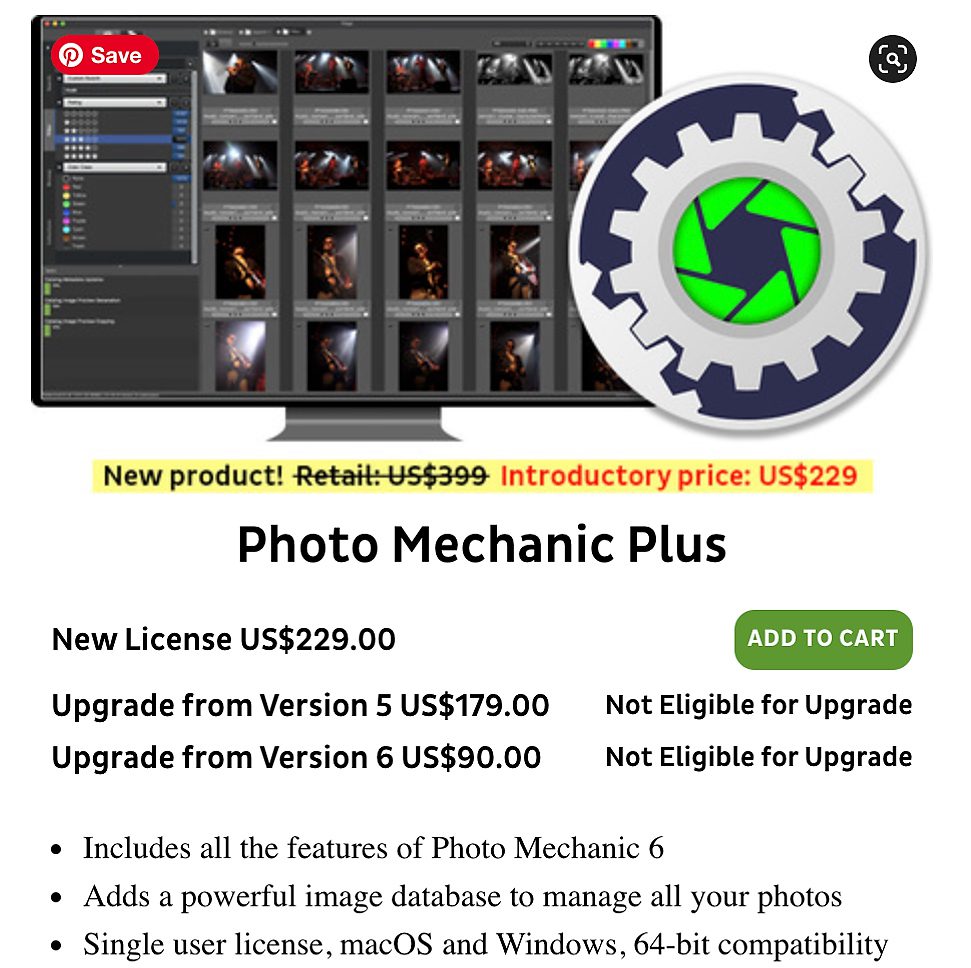
To make sense of everything on the NAS, I rely on Photo Mechanic Plus as a cataloging and search tool.
Instead of relying on folder browsing alone, the catalog allows me to:
- Search by metadata
- Locate images quickly across large archives
- Work efficiently without moving files around unnecessarily
Think of it as an index that connects you to your storage, rather than replacing it.
4. Keeping Original Physical Media
Even after migration, I still keep my original CDs, DVDs, SSDs, and hard drives.
They serve as:
- A backup reference
- A safeguard against corruption or accidental loss
- A historical record of how files were originally stored
While I don’t rely on them for daily access, they remain part of the overall safety net.
5. Revisiting Lightroom Archives When Needed
I occasionally return to older Lightroom catalogs to access RAW files or revisit earlier work.
This adds another layer of flexibility—especially for projects where the RAW file or earlier edits may be needed again.
How This Applies to You
Whether you’re organizing family photos, managing a hobby archive, or working professionally, the principles are the same:
- Consolidate what matters most
- Keep a structured master archive
- Use tools that make searching easy
- Maintain backups across multiple formats
- Preserve originals, even if they’re not your daily access point
You don’t need to adopt every tool I use. What matters is building a system that fits your scale and needs while following the same core idea: separate storage from access, and make both intentional.
A Simple Way to Start
If your photos feel overwhelming, begin here:
- Identify where your images currently live
- Choose one primary location to centralize your best and most important images
- Move or copy files into that structure in batches
- Add or preserve metadata so files remain searchable
- Set up at least one backup system for redundancy
- Gradually bring order to older archives instead of trying to fix everything at once
Progress matters more than perfection.
Final Thought
A well-organized photo archive isn’t just about efficiency—it’s about stewardship.
When your images are easy to find, properly stored, and thoughtfully maintained, you’re better equipped to revisit moments, tell stories, and pass them on.
That’s when a collection of files becomes something more meaningful: a living archive of stories that can still be used, shared, and remembered.