
|
Getting your Trinity Audio player ready...
|
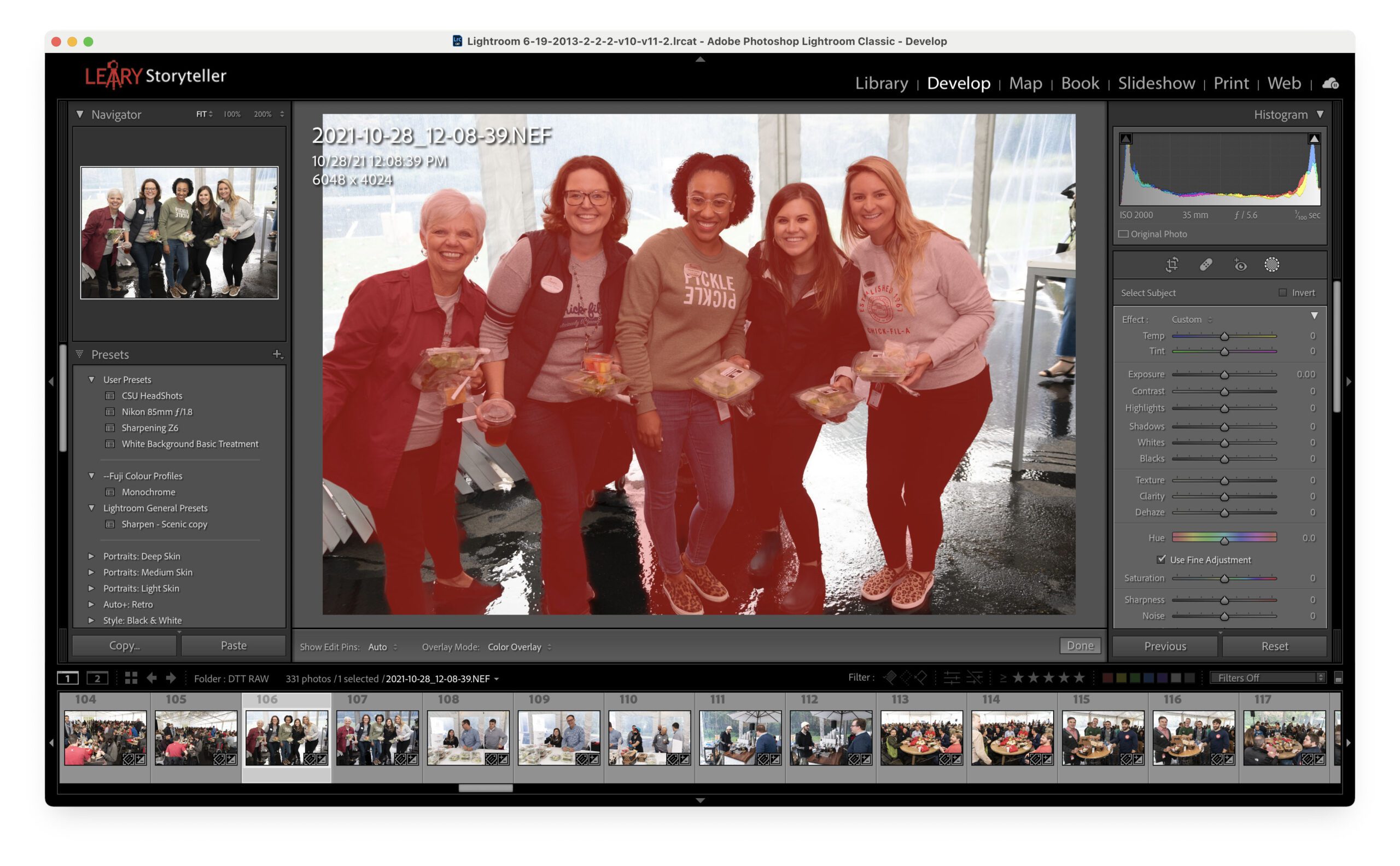
Reading Time: 2 minutesAdobe finally put some of the tools in PhotoShop into Lightroom Classic. One is Artificial Intelligence that will find your subject and mask it. As you can see above, I did that…
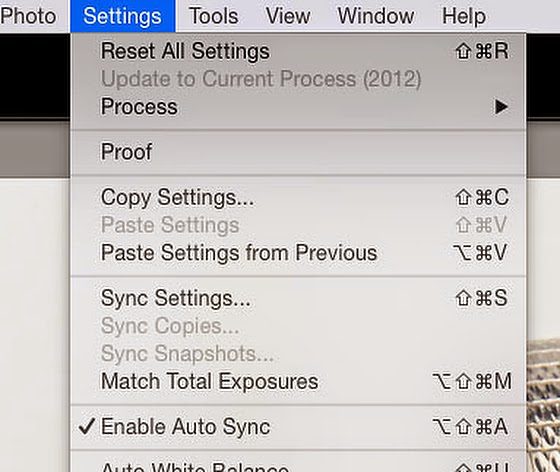
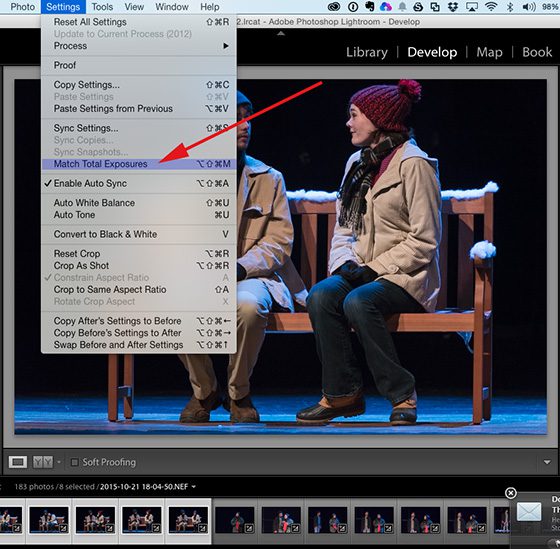
Reading Time: < 1 minuteUse “Match Total Exposures” to save some time in Lightroom. If you have a similar scene, you can select many images as I have shown here: Then make all the corrections…

Reading Time: 4 minutes Nikon D4, Sigma 120-300mm f/2.8 DG OS HSM, Sigma 2x EX DG APO Autofocus Teleconverter, ISO 1100, ƒ/5.6, 1/2000 If Ansel Adams had shot football games like many photographers, he would…